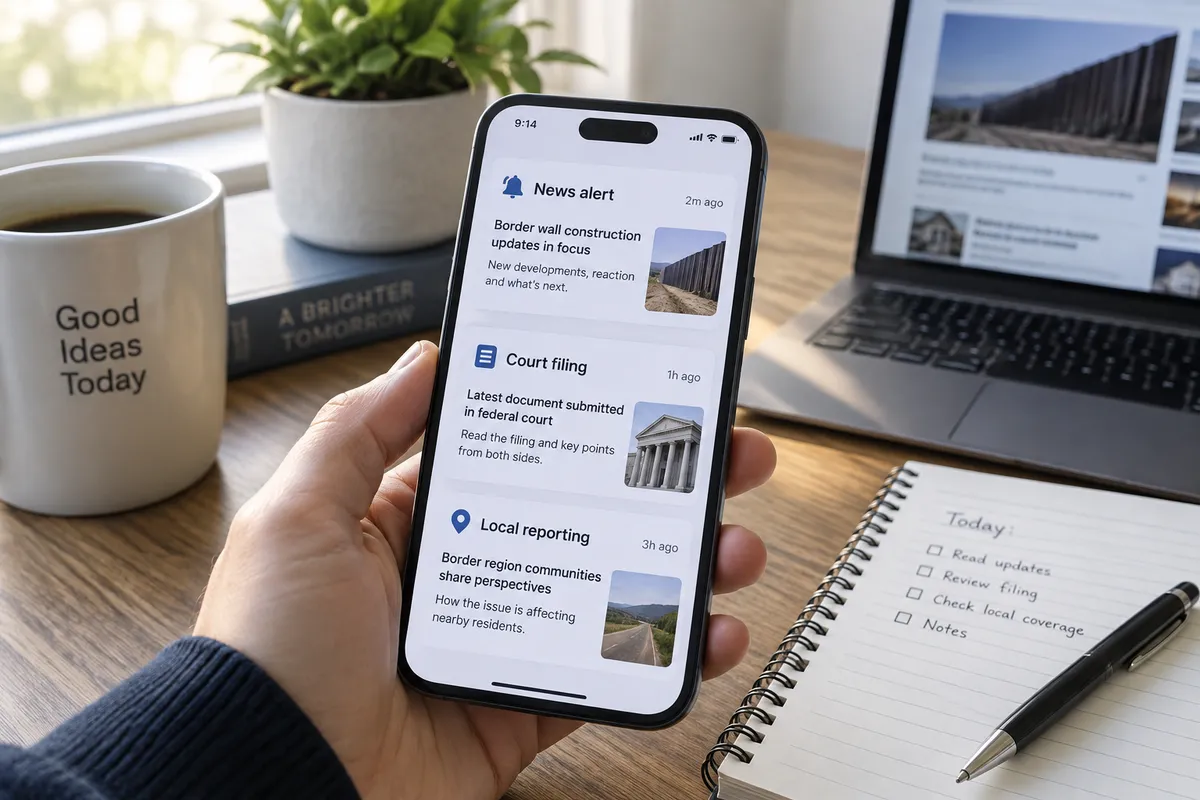
A story like the Big Bend border wall fight is hard to follow. It involves court orders, billions of dollars, local opposition, and officials making competing claims. This guide shows you how to set up your phone and browser so you can track a story like this accurately, without doomscrolling.
The story you'll be tracking
Per an Associated Press interview carried by WXOW, Customs and Border Protection Commissioner Rodney Scott is defending the Trump administration's plans for a wall in Texas' Big Bend region. Scott argues for the entire $46 billion border wall and infrastructure plan, despite lawsuits, local opposition, and a court-ordered pause.
The AP reports that the administration claims it is ahead of schedule on a large border buildout and is asking the Supreme Court to lift limits on construction. The coverage also touches on broader scrutiny of CBP tactics, cartel drone activity, and debates over enforcement spending.
That is a lot of moving parts. Here is how to keep them straight.
Step 1: Set a narrow alert
Broad alerts like "border" bury you. Narrow ones keep you informed.
- Open Google Alerts in any browser (google.com/alerts) and sign in.
- Type a specific phrase in quotes, such as "Big Bend" "border wall".
- Click Show options. Set frequency to Once a day, sources to News, and language to your own.
- Choose your email as the delivery spot and click Create Alert.
Add a second alert for "Rodney Scott" "Customs and Border Protection" if you want the official's statements. Two alerts is plenty.
Step 2: Follow the original reporter, not just the reposts
This story reached readers through a local outlet carrying AP reporting. Local sites often republish wire copy, so you may see the same article under many headlines.
On your phone:
- iPhone (iOS 17 or later): Open the Apple News app, search for "Associated Press," and tap Follow.
- Android (Android 12 or later): Open Google News, search for the AP, and tap the star or follow icon.
The benefit is practical. Reading the original wire story keeps you from mistaking a rewritten headline for new reporting.
Step 3: Separate claims from facts as you read
In a political story, many sentences are attributed claims. Try a simple habit: while reading, mentally tag each statement as one of three types.
- Official claim: For example, that the plan is ahead of schedule. This is what the administration says, per the AP.
- Documented action: A lawsuit filed, a court pause ordered, a Supreme Court request made.
- Opposing argument: Local opposition, environmental concerns, and cost objections.
On a phone, you can long-press text and use highlight tools in your reading app (Safari Reader and Chrome both let you copy passages into Notes). Pasting three or four key sentences into a note under those headings takes two minutes and makes the picture clearer.
Step 4: Check court status at the source
The court pause and the Supreme Court request are the parts most likely to change. Headlines can lag behind. Two free options:
- Supremecourt.gov lists its docket and filings for cases it is handling.
- CourtListener.com is a free searchable archive of federal court documents. Search "Big Bend" or the case parties once you know their names from news coverage.
You don't need to read legal filings in full. Look for the first page or summary, which usually states what the party is asking the court to do.
Step 5: Look at the place itself
Big Bend is described in the coverage as an environmentally sensitive area with relatively few crossings. You can judge the scale of the debate better by looking at it.
- Open Google Maps or Apple Maps, search "Big Bend," and switch to satellite view.
- Zoom out to see how remote the region is and how long the river stretch is.
This is a quick way to understand why opposition from landowners, businesses, and conservationists is part of the story, and why the administration sees the area differently.
Step 6: Read with the numbers in mind
The $46 billion figure is for the entire border wall and infrastructure plan, not only Big Bend. Keep that distinction when you see headlines. When a number appears, ask whether it covers the whole program or one location. The AP's framing is that Big Bend is a test of how far the administration will push its wall agenda in low-crossing areas.
Step 7: Build a short weekly routine
Instead of checking constantly, schedule ten minutes once a week:
- Read your daily alert digest.
- Open the AP's original story if something looks new.
- Check the court docket for changes.
- Update your note with any new claims, actions, or objections.
Set a repeating calendar reminder on your phone so it becomes automatic.
Troubleshooting
- Too many duplicate alerts: Narrow the phrase or switch from "As-it-happens" to "Once a day."
- Paywalled articles: Try the AP's own site or your library's free digital access, which often includes news apps.
- Conflicting headlines: Go back to the original wire report and compare which parts are attributed claims.
The takeaway
Pick one narrow alert, follow the original reporter, and check court status at the source. That small setup will tell you more about the Big Bend fight than a week of scrolling.