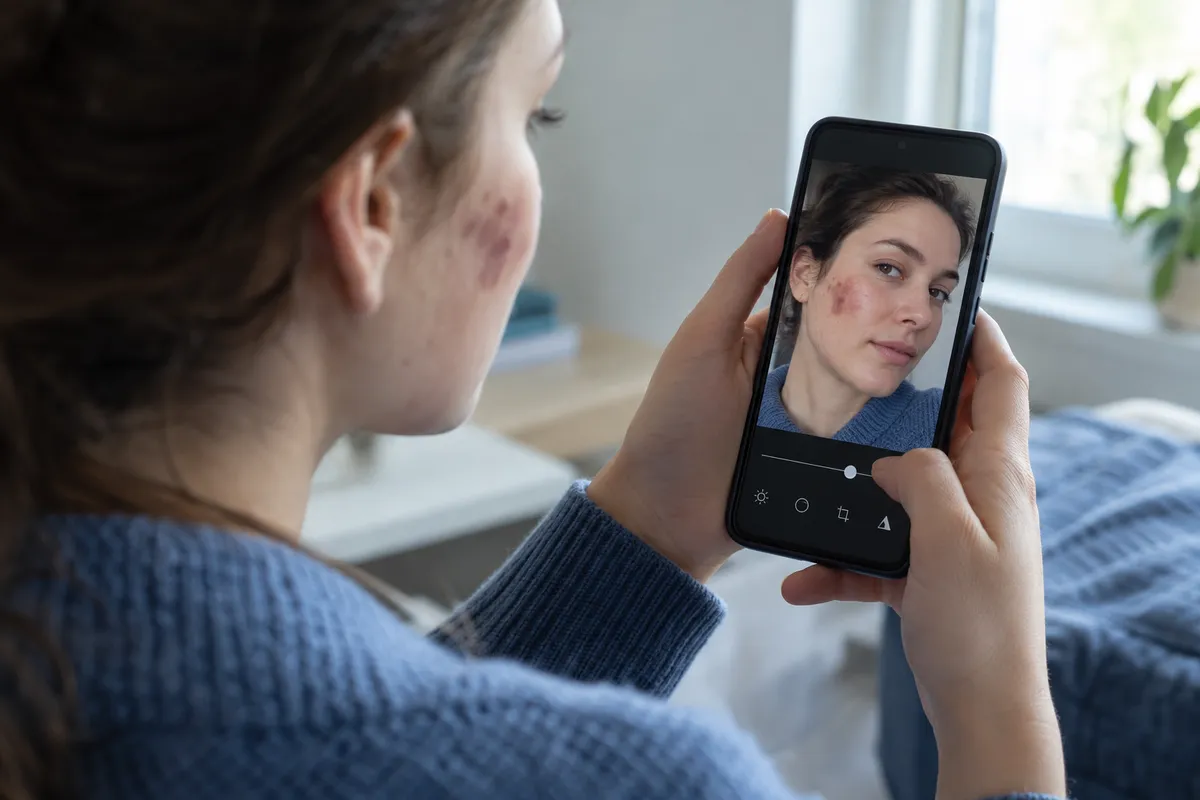
AI photo editors can do a lot in one tap, but some of them also decide what a "normal" face looks like and then edit toward it. This guide shows you how to use AI editing without letting it erase scars, birthmarks or medical conditions, whether it's your photo or someone else's.
What happened
Per the BBC, an AI tool edited a photo of Rhiannon Morgan that appeared in a work newsletter, and she was shocked by the result. The BBC's reporting looked at how AI image tools can remove scars, birthmarks and medical conditions when asked to make someone look "normal." People with visible differences told the BBC they find this offensive and dehumanising.
BBC Wales also ran a test. It found that some major AI tools altered visible differences, while others refused the request on consent or identity grounds. The BBC summary doesn't name which tools did which, so check your own tools rather than assuming.
Why this matters for everyday editing
AI editing is now built into the places you already work: photo apps, workplace design tools and social media. That means a change to someone's face can happen as a side effect of a vague request, not a deliberate choice.
My take: the word "normal" is the problem. It hands the AI a standard, and the standard may not include real people. Whatever the tool's training data looks like, the safest assumption is that a vague instruction can produce a face that no longer matches the person.
Step 1: Ask for the specific fix, not a "better" face
Vague prompts invite the tool to make its own judgments. Compare:
- Risky: "Make this person look normal" or "fix their face."
- Safer: "Brighten the lighting," "crop to head and shoulders," or "replace the background with plain grey."
Name the technical change you want. If a request is about the person's features rather than the photo's quality, stop and ask whether you should be making it at all.
Step 2: Choose tools that protect identity
BBC Wales found some tools declined to alter visible differences, citing consent or identity. That's the behavior you want when you're editing other people.
Test any tool before using it on a real colleague or friend:
- Use a photo of yourself, or of someone who has agreed to be part of the test.
- Apply the edit you plan to use.
- Compare before and after at full size. Look at skin, scars, birthmarks, facial differences, and anything else that makes the person recognisable.
- If the tool changes things you didn't ask for, switch tools or use manual editing.
I can't tell you which apps pass, because the BBC report doesn't say. Run the test on the version you have installed, since tools update often.
Step 3: Turn off automatic beautify features
Many photo apps offer one-tap enhancement, skin smoothing or "auto-fix." Look in your editing app's settings or the photo's edit panel and switch off any option that retouches faces automatically. Then apply only the adjustments you choose: exposure, contrast, crop, colour.
The exact menu names vary by phone, app and software version, so look for words like "retouch," "smooth," "beauty" or "portrait."
Step 4: Get consent before editing anyone else
This is the rule that would have prevented the newsletter problem. If you're putting a colleague's photo in a newsletter, slide deck or social post:
- Tell them what edits you plan to make.
- Show them the final image before it's published.
- Keep the original file, so you can revert.
- If they object, use the original or a different photo.
It takes a minute and avoids the kind of surprise Morgan described to the BBC.
Step 5: Check the result like the person would
Before you publish, ask: would this person recognise themselves, and would they be comfortable with it? A fast check is to put the original and edited image side by side. Anything that changed and wasn't on your list is a red flag.
If you manage a team newsletter or website, make this a standing checklist item so one person's judgment isn't the only safeguard.
What should change on the tool side
The BBC's reporting points to a wider debate about AI bias, consent and disability representation, and about who gets to define "normal." One reasonable ask, and my own view, is that AI companies should test their products with disabled and visibly different people, and build in guardrails like the refusals BBC Wales saw in some tools. As a user, you can reward that by choosing tools that ask before they change someone's identity.
The one habit to keep
Never ask AI to make a person look "normal." Ask it to fix the photo, and leave the person alone unless they've told you otherwise.