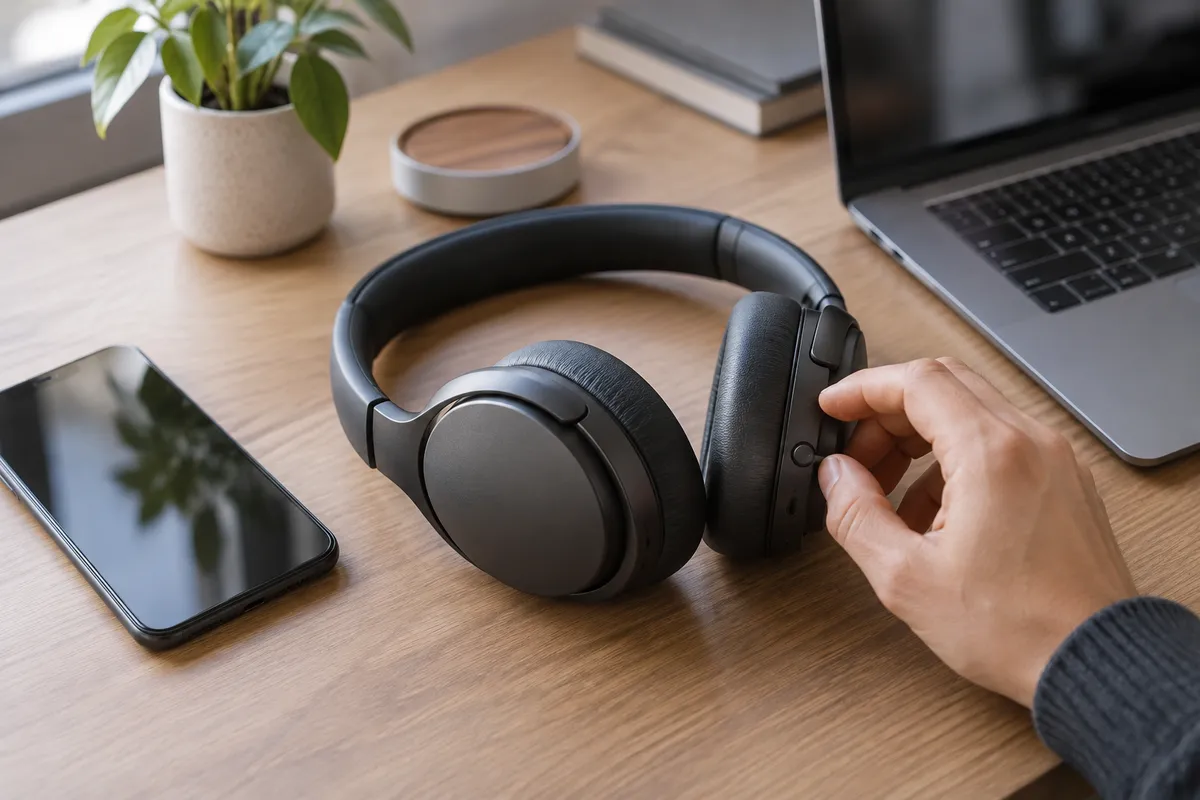
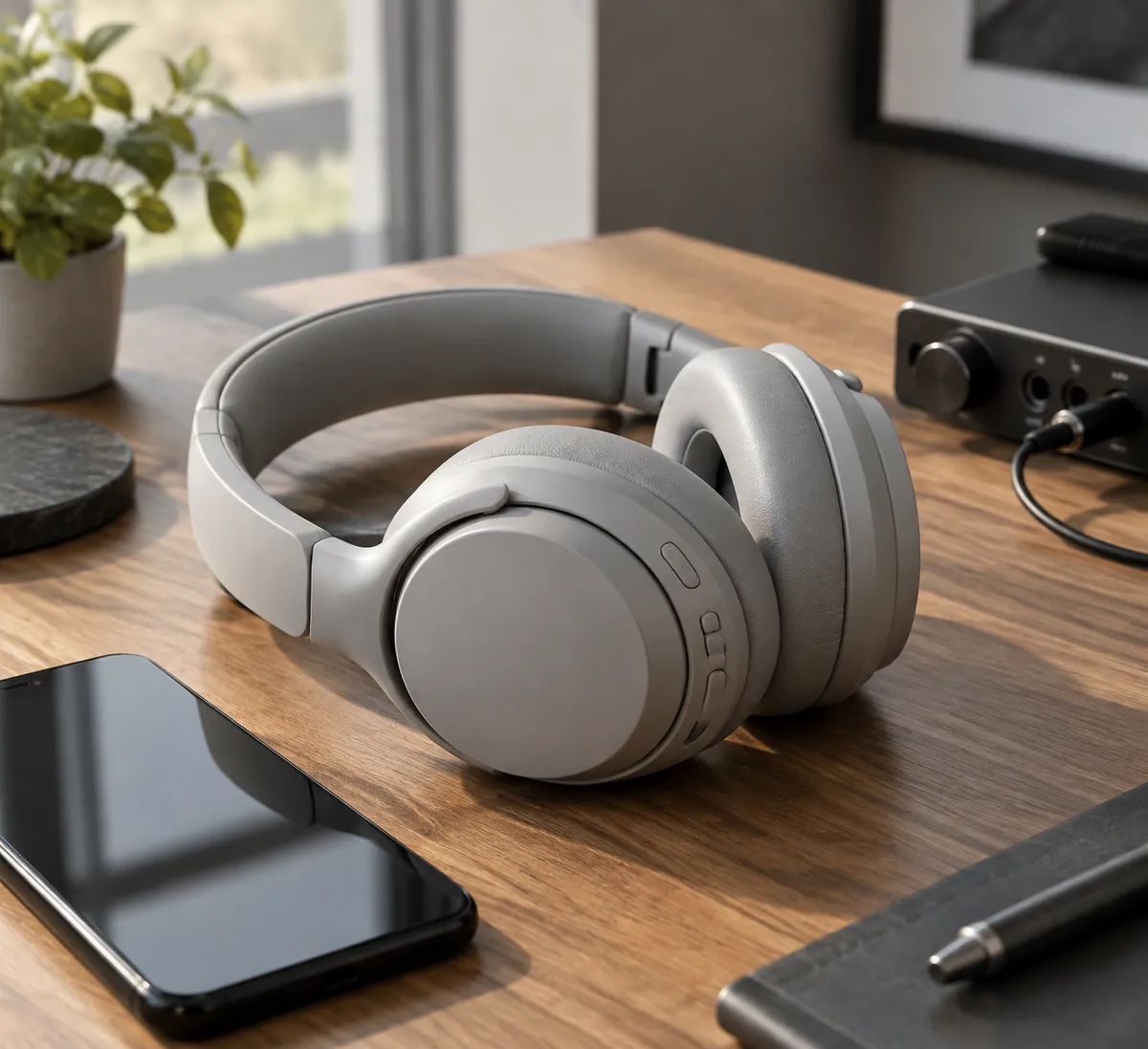
Nothing's Headphone 1 Pro costs $400, and that price puts it up against the headphones most people already know: Sony, Bose, Beats, and Apple. Marques Brownlee reviewed it and landed on a clear verdict: the design, controls, noise cancelling, and battery life are strong, but the sound quality falls short of premium rivals. His headline argues Nothing "copied the wrong thing."
This article uses that review as a practical lesson. By the end, you'll have a simple test routine for deciding whether any $400 pair of headphones is worth keeping, plus a read on where the Headphone 1 Pro fits.
What Brownlee found
Per Brownlee's review, here is the short version:
- Strengths: design, materials, and physical controls stand out. Active noise cancelling (ANC) and transparency mode are improved and better than he expected. Battery life is also a plus.
- Flat mode: an EQ switch offers a more neutral, creator-friendly sound.
- Weakness: the sound is fun, but it lacks bass punch and instrument separation compared with top-tier rivals.
His core complaint is about positioning. At $400, he argues, buyers expect near-flagship performance with very few compromises, and the audio is where this pair gives ground.
Why price changes how you should judge them
A $100 pair of headphones gets graded on a curve. A $400 pair doesn't. When you spend flagship money, the thing you're mostly paying for is sound and noise cancelling, so those two should be excellent before you start counting nice extras.
That's a useful rule for any purchase in this category: decide your top priority first, then check whether the headphones win at that one thing.
Rank what you actually care about
Before you read more reviews, put these four in order for your own use:
- Sound quality: bass punch, clarity, how well instruments are separated.
- Noise cancelling: commutes, flights, open offices.
- Design and comfort: materials, look, how they feel after hours.
- Controls: physical buttons versus touch gestures.
By Brownlee's account, the Headphone 1 Pro does well on three of these and is weaker on the first. If sound is your number one, that matters a lot. If you care most about looks, controls, and ANC, the tradeoff may be fine.
A 20-minute test to run on any new headphones
Most retailers allow returns, so treat the first day as a trial. You don't need special gear.
Step 1: Pick three songs you know well
Choose one with heavy bass, one with many instruments (a band or orchestral track works), and one with clear vocals. Play them at the same volume.
Step 2: Listen for punch and separation
These are the two areas Brownlee flagged. On the bass track, ask whether kick drums feel tight and impactful or soft. On the busy track, see whether you can pick out individual instruments or whether they blur together.
Step 3: Compare against what you own
Switch between the new pair and your current headphones, using the same song and same volume. Differences are far easier to hear back to back than from memory. If you have a friend's Sony, Bose, or Apple pair to borrow, even better.
Step 4: Try the neutral or flat setting
If your headphones have an EQ, check for a flat mode. Brownlee describes the Headphone 1 Pro's flat switch as more neutral and creator-friendly. A neutral setting is handy if you edit video or audio on the go, because it shows you the sound without much coloring. Listen to your own project in both modes and note which you trust more.
Step 5: Test noise cancelling where you'll use it
Wear them on a bus, in a café, or near a running fan. Then switch to transparency mode and check that voices sound natural when you need to hear announcements or talk to someone.
Step 6: Wear them for an hour
Comfort problems rarely show up in five minutes. Note any pressure on your ears or head.
Why a flat mode is worth caring about
Most consumer headphones tune their sound to be exciting: boosted bass, bright highs. That's pleasant, but it can mislead you when you're editing. A flat or neutral mode aims to present audio more honestly. If you cut videos, record podcasts, or mix music on a laptop or phone, it gives you a more reliable reference when you can't use studio monitors.
It's not a magic fix. Brownlee's broader point is that even with that option, the overall sound doesn't match the best in this price tier. Treat flat mode as a bonus, not a replacement for excellent drivers.
Who might still like them
Based on Brownlee's findings, the Headphone 1 Pro makes the most sense if you:
- want distinctive design and quality materials,
- prefer physical controls over touch surfaces,
- value strong noise cancelling and transparency mode,
- care about battery life, and
- are fine with sound that's fun rather than class-leading.
If you want the tightest bass and the clearest instrument separation, the review suggests looking harder at established flagships first.
The takeaway
Don't let a stylish design or a spec sheet make the decision for you. Pick your top priority, run the three-song test against headphones you already know, and return anything that doesn't win at the thing you're paying $400 for.