The Department of Homeland Security is investigating a data breach that reportedly exposed names, titles, locations and contact details for about 40,000 employees and contractors, per Fox News. That includes roughly 10,000 ICE agents and Customs and Border Protection personnel, and some undercover ICE agents were reportedly identified. The report notes it follows a separate Pentagon personnel database breach.
You probably don't work for a federal agency. But the lesson applies to everyone: the most dangerous leaks are often not passwords or bank numbers. They are ordinary details like a name, a job, a location and a phone number, combined in one place. Here is how to reduce the damage if your own details ever end up in a breach.
A caution first: the details of this DHS incident are still emerging, and what follows about the breach comes from the Fox News report. The steps below are general security practice.
Why contact details alone are a real risk
According to the report, the exposed data is mainly directory-style information: who someone is, what they do, where they are and how to reach them. That sounds mild next to stolen credit cards. It isn't, for two reasons.
- It makes people findable. Name plus location plus employer is often enough to locate someone in person.
- It makes scams believable. An attacker who knows your title and workplace can write a message that looks legitimate. This is the basis of targeted phishing.
The reported identification of undercover agents shows the extreme case, where being findable is itself a safety problem. For most of us the risk is smaller, but the mechanics are the same.
Step 1: Find out what is already public about you
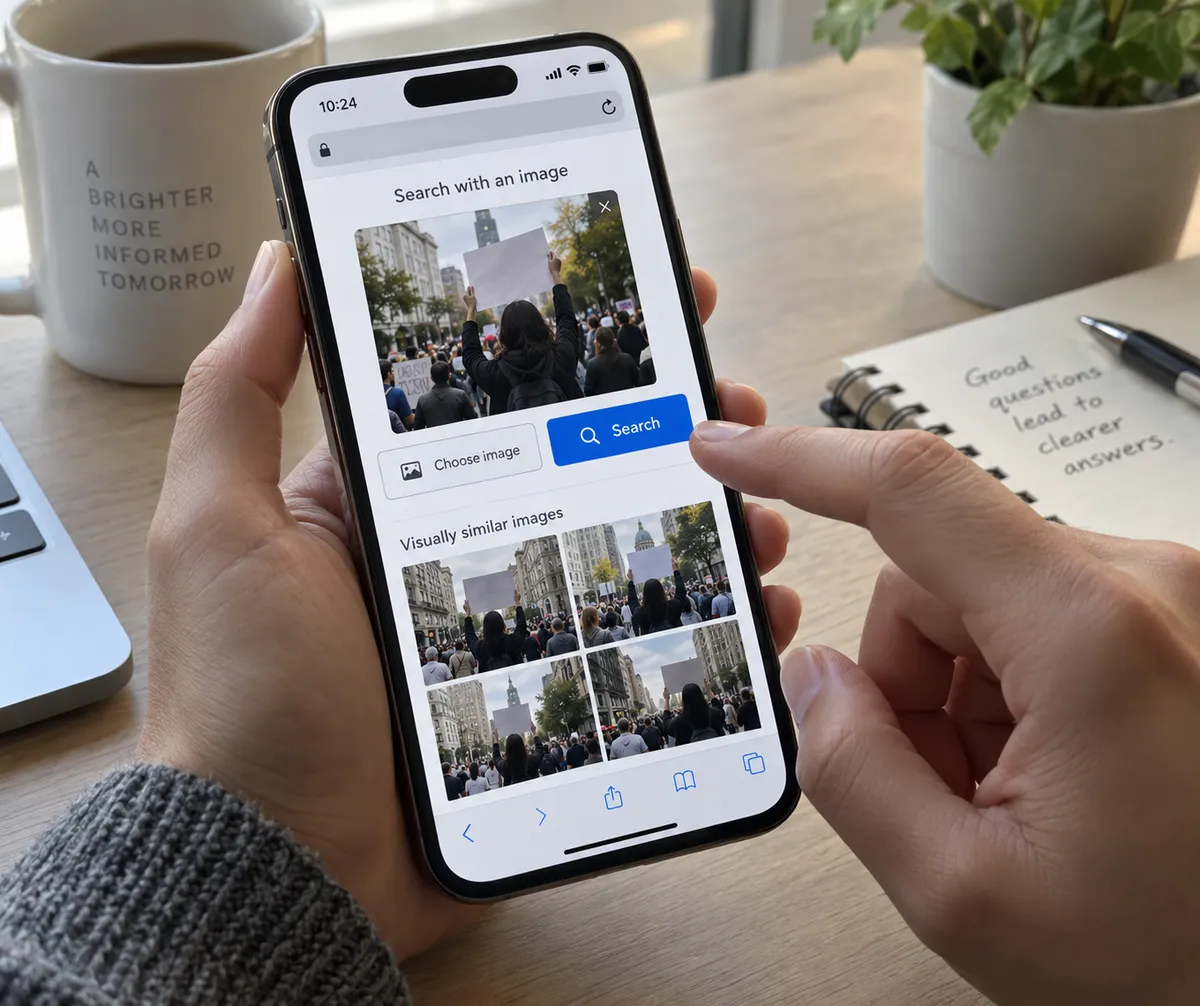
Search your own name the way a stranger would.
- Open a private or incognito window in your browser (Chrome, Safari, Firefox or Edge all have one).
- Search your full name in quotes, then your name plus your city, then your name plus your employer.
- Search your phone number and personal email address in quotes.
- Note every site that lists your address, phone, relatives or workplace.
Write the results in a simple list. You can't fix what you haven't seen.
Step 2: Request removal from people-search sites
Most data broker and people-search sites have an opt-out page, usually linked in the footer as "Do Not Sell My Info" or "Opt Out." Submit a removal request for each listing you found. Expect to verify an email address, and expect some listings to reappear later, so recheck every few months.
Step 3: Separate your work and personal identities
Directory leaks hurt most when one email or phone number ties everything together. Reduce that link:
- Use a different email address for shopping and sign-ups than for work or banking.
- Use an email alias service or your provider's built-in hide-my-email feature when a site only needs to send you a receipt.
- Consider a free second phone number (such as a voice-over-internet number) for forms, deliveries and online listings.
- Avoid putting your exact work location and role on every public profile.
Step 4: Lock down social profiles
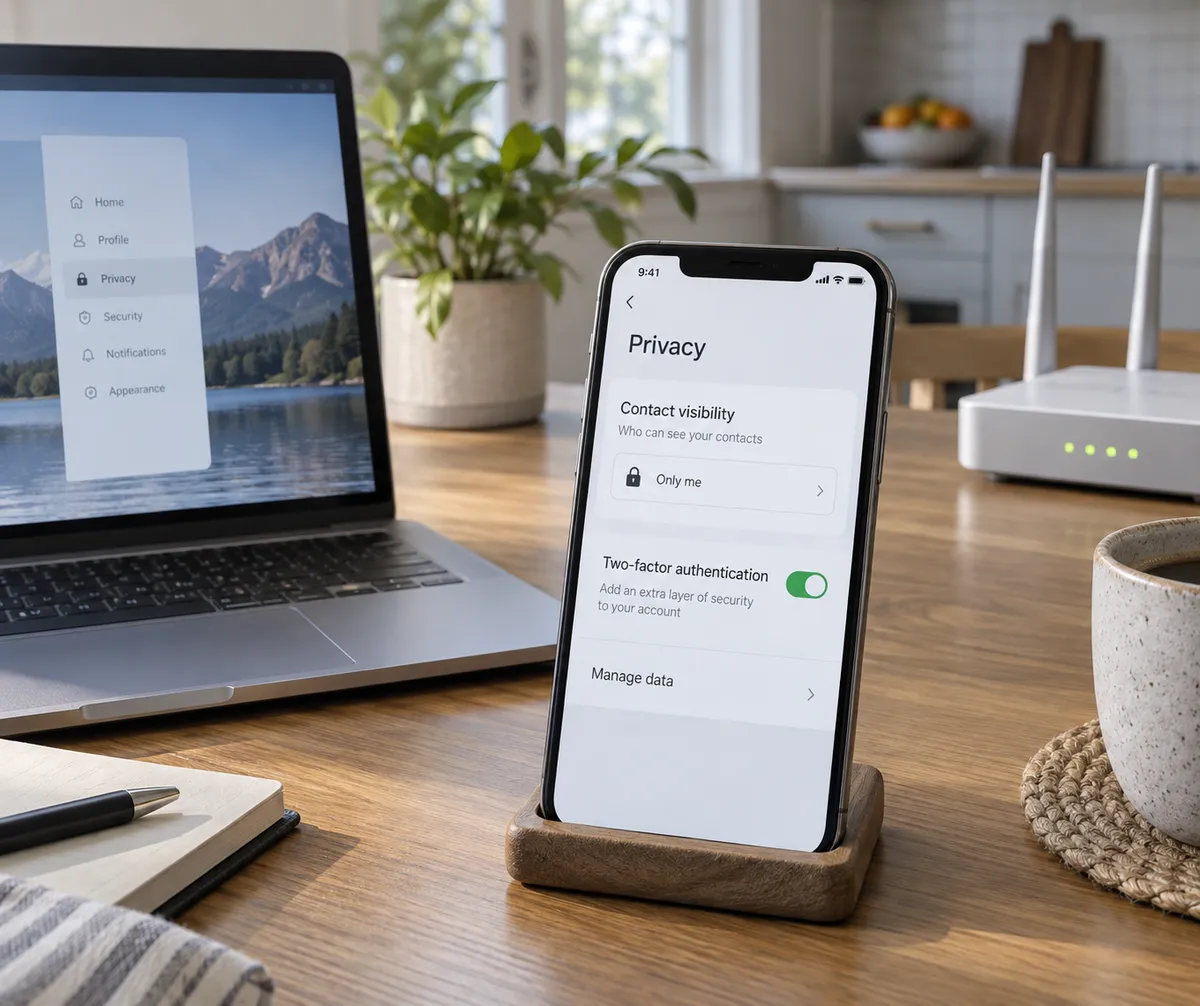
On your phone, open the privacy settings in each app and check three things.
- Profile visibility. Set it to friends or connections where you can.
- Location tagging. Turn off automatic location on photos and posts.
- Contact discoverability. Disable "let people find me by phone number or email" if the app offers it.
The menus differ by app and by iPhone or Android version, but these options exist in the privacy or account settings of nearly all major apps.
Step 5: Prepare for the phishing that follows a breach
After any exposure, expect messages that use real details about you. Build a habit:
- Don't click links in unexpected messages, even if they mention your employer or title.
- Go to the company or agency's site directly instead.
- Be suspicious of urgency, such as threats, deadlines or requests for gift cards.
- Verify by calling a number you already know, not one in the message.
Turn on two-factor authentication for email first, since email resets every other account. An authenticator app is stronger than text messages.
Step 6: Check whether your accounts were in known breaches
Have I Been Pwned, a free service, lets you enter an email address and see which known breaches included it. If you find a hit, change that site's password and any other account that reused it. A password manager makes unique passwords painless.
The bigger picture
The report places this incident alongside a Pentagon personnel database breach, which raises questions about how well federal agencies protect employee data. That is a policy debate beyond a how-to guide. The practical takeaway is that databases full of names and contact details keep becoming targets, and you can't control how every organization stores yours.
What you can control is how much a leak reveals. Spend thirty minutes this week searching your own name, opting out of one people-search site, and turning on two-factor authentication for your email. Those three moves make you a much harder person to target.