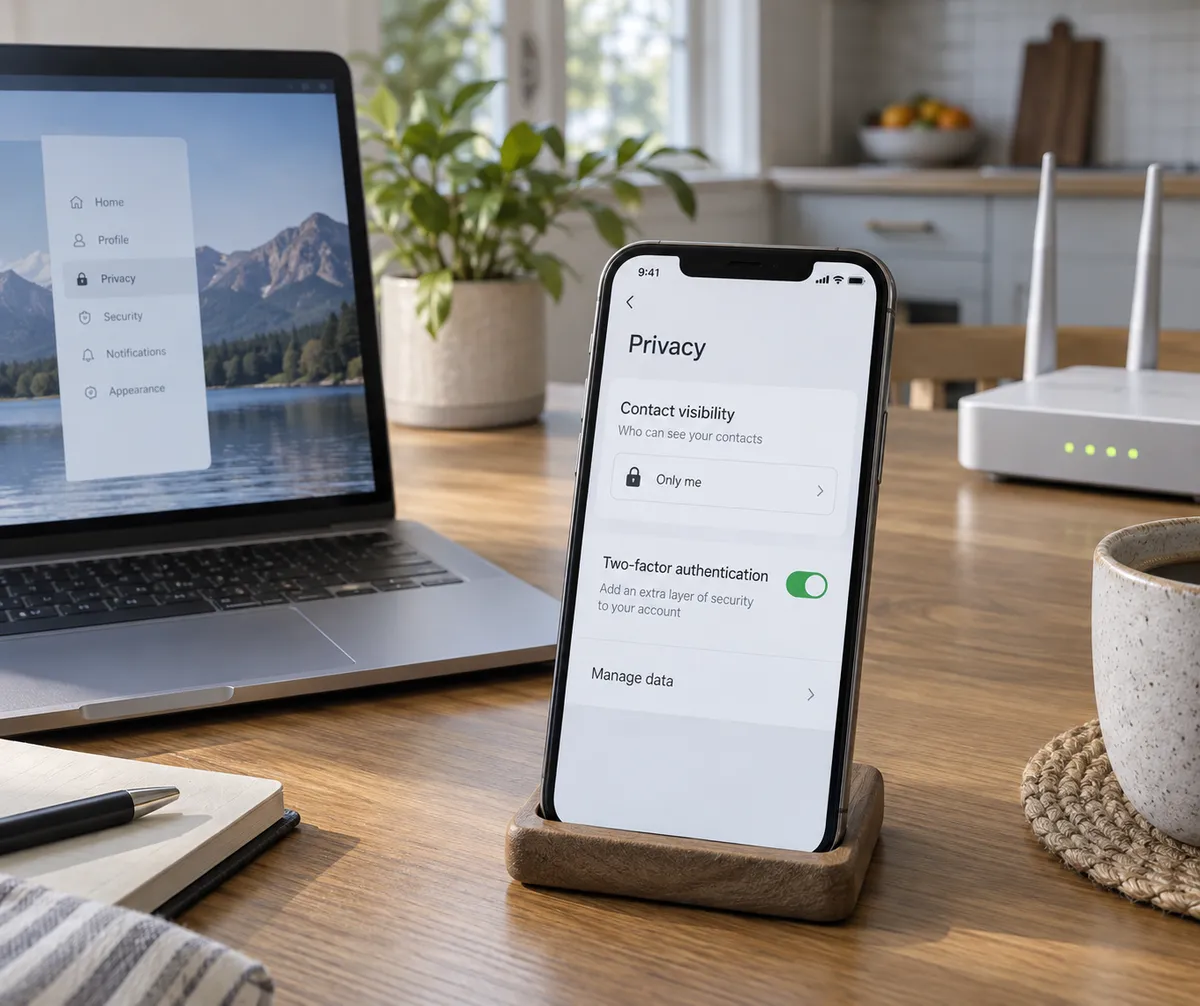
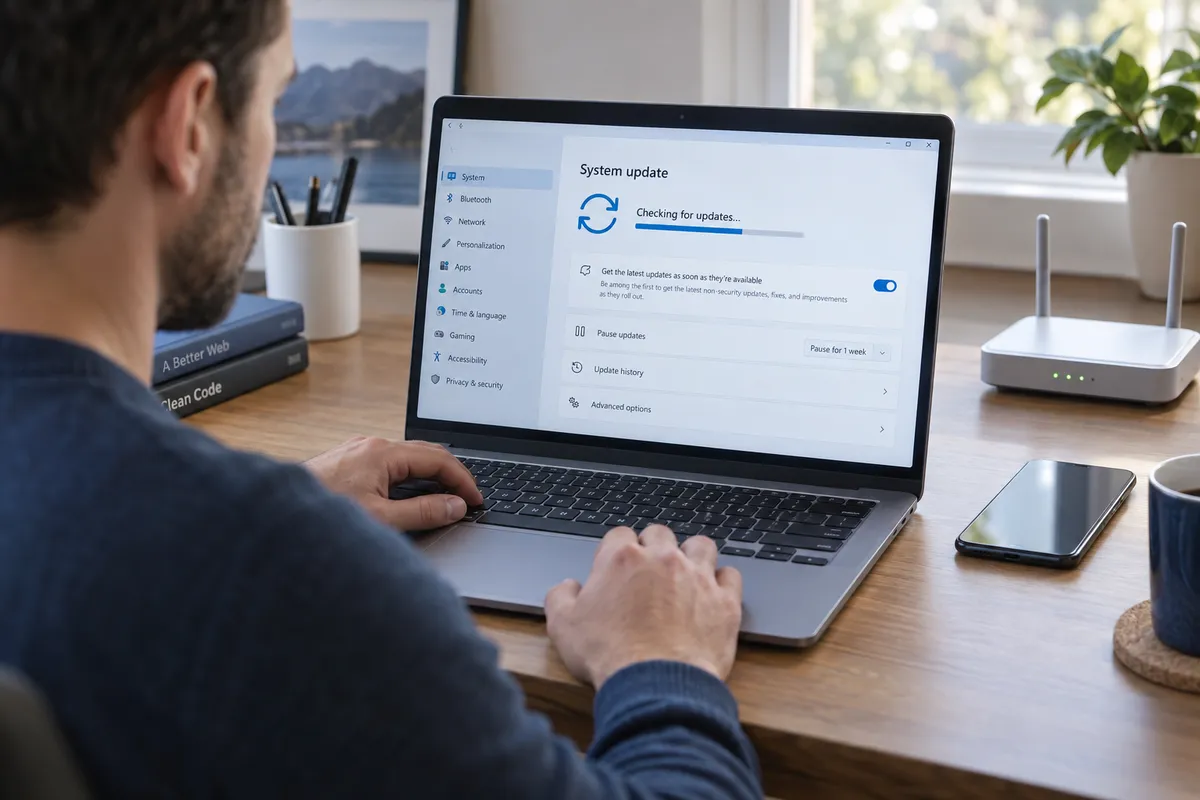
A serious bug in OpenSSL, one of the most widely used security libraries on the internet, is being fixed. You don't need to be a programmer to respond well. By the end of this guide you'll know what the bug is, why it touches so many products, and which simple update habits protect you while the fix rolls out.
What happened
Per a pull request on OpenSSL's GitHub repository (which drew discussion on Hacker News), OpenSSL is fixing a buffer overflow in a function called EVP_EncodeBlock(). It is tracked as CVE-2026-121481 and carries a CVSS score of 9.8. CVSS runs from 0 to 10, so that is at the top end of severity.
The same work adds related guards to EVP_DecodeBlock() and fixes a length check in a file called http_client.c. Per the pull request, it also includes documentation updates and new tests. Reviewers are still discussing the final implementation approach, so details may change before the fix is finalized.
I'm working only from that pull request's summary. I can't tell you which products are affected, whether attacks are happening, or which version numbers carry the fix. Check the official OpenSSL security advisory for those specifics.
The bug in plain English
EVP_EncodeBlock() handles base64 encoding. Base64 is a way of turning raw data into plain text characters so it can travel through systems that expect text. Think of encoded certificates or attachments.
A buffer overflow happens when a program writes more data into a chunk of memory than it was sized to hold. The extra data spills into neighboring memory. In the worst cases, that can crash software or be abused in ways the developers never intended. The fix centers on adding proper checks so the code doesn't write past the limit.
Why one library bug affects so many things
OpenSSL isn't an app you open. It's a building block that other software borrows for encryption. Web servers, network tools, and many apps may include it. That's why a flaw here gets attention far beyond OpenSSL's own team: you can't easily see which of your tools rely on it.
That also explains the high score. A problem in a shared component can be inherited by everything built on top of it. Still, a high score describes potential severity, not proof that your particular device is exposed.
What to do right now: a practical checklist
You don't need to touch OpenSSL directly. Focus on keeping the software that uses it current.
1. Turn on automatic updates
On your phone and computer, enable automatic updates for the operating system and apps.
- iPhone/iPad: Settings > General > Software Update > Automatic Updates.
- Android: Settings > System (or About phone) > Software updates. Menu names vary by manufacturer.
- Windows: Settings > Windows Update. Check for updates and install what's offered.
- Mac: System Settings > General > Software Update.
- Apps: Enable auto-update in the App Store or Google Play.
2. Update your router and smart home gear
Routers, cameras, and smart hubs often run software that bundles libraries like OpenSSL, and they are the devices people forget to update. Open the manufacturer's app or admin page and look for a firmware update option. Turn on automatic firmware updates if offered.
3. Watch for vendor security notices
When a library flaw like this lands, software makers typically publish their own advisories once they've checked their products. Look at the security or support pages of the vendors you rely on most. Install patches when they appear instead of waiting.
4. Wait for the final patch before improvising
Because reviewers are still debating the final approach, don't hunt for unofficial fixes or workarounds. Stick to updates from official sources: your operating system, your device maker, or the software vendor.
5. Retire unsupported devices
Older routers and gadgets that no longer get updates can't receive a fix. If a device is past its support window, consider replacing it, or at minimum keep it off sensitive networks.
If you run servers or develop software
The pull request is aimed at you more directly. Per the summary, the changes touch encoding, decoding, and an HTTP client length check, so:
- Inventory where OpenSSL is used, including in containers and bundled dependencies.
- Follow the official OpenSSL advisory for fixed versions.
- Test the update in staging before pushing to production.
- Watch how the final implementation settles, since review discussion is ongoing.
Why the review debate matters
Per the discussion around the pull request, maintainers are weighing how the code should behave when it receives bad input. One side of that debate, as noted in the summary, is whether to use an assert or return an error. In plain terms: should the program stop loudly, or report a problem and carry on? It's a normal part of careful security work, and it's a reason to wait for the finished fix.
The takeaway
Today, open your phone, computer, and router settings, switch on automatic updates, and install anything pending. That one habit covers you against this bug and the next one.