
When unrest makes headlines, your phone fills with clips, screenshots and hot takes within minutes. This week, Fox News reported that Louis Sarkozy, son of former French President Nicolas Sarkozy, warned that violent protests in France could intensify. Per that report, he tied the unrest to far-left political influence, immigration tensions and economic strain. Those are his arguments, and plenty of people will disagree with them.
This guide isn't about taking a side. It's about what you can do in about two minutes, on any recent iPhone or Android phone, to check whether the thing you're about to share is real, current and fairly described.
Step 1: Separate the claim from the person making it
Start by sorting what you've read into two piles.
- Reported facts: Louis Sarkozy gave a warning, and Fox News reported it.
- Opinions and predictions: that protests will worsen, and what is causing them.
A prediction from a well-known family name carries attention, not proof. When a post presents someone's view as settled fact, that's your cue to look further. Ask: who said this, where, and is it quoted accurately?
Step 2: Find the original report
Most viral posts are screenshots of screenshots. Get back to the source.
- Search for a distinctive phrase or the person's name plus the outlet.
- Open the outlet's own site or app rather than the image in your feed.
- Check the publication date at the top of the page. Old stories recirculate constantly.
If you can't find the original anywhere, treat the post as unverified.
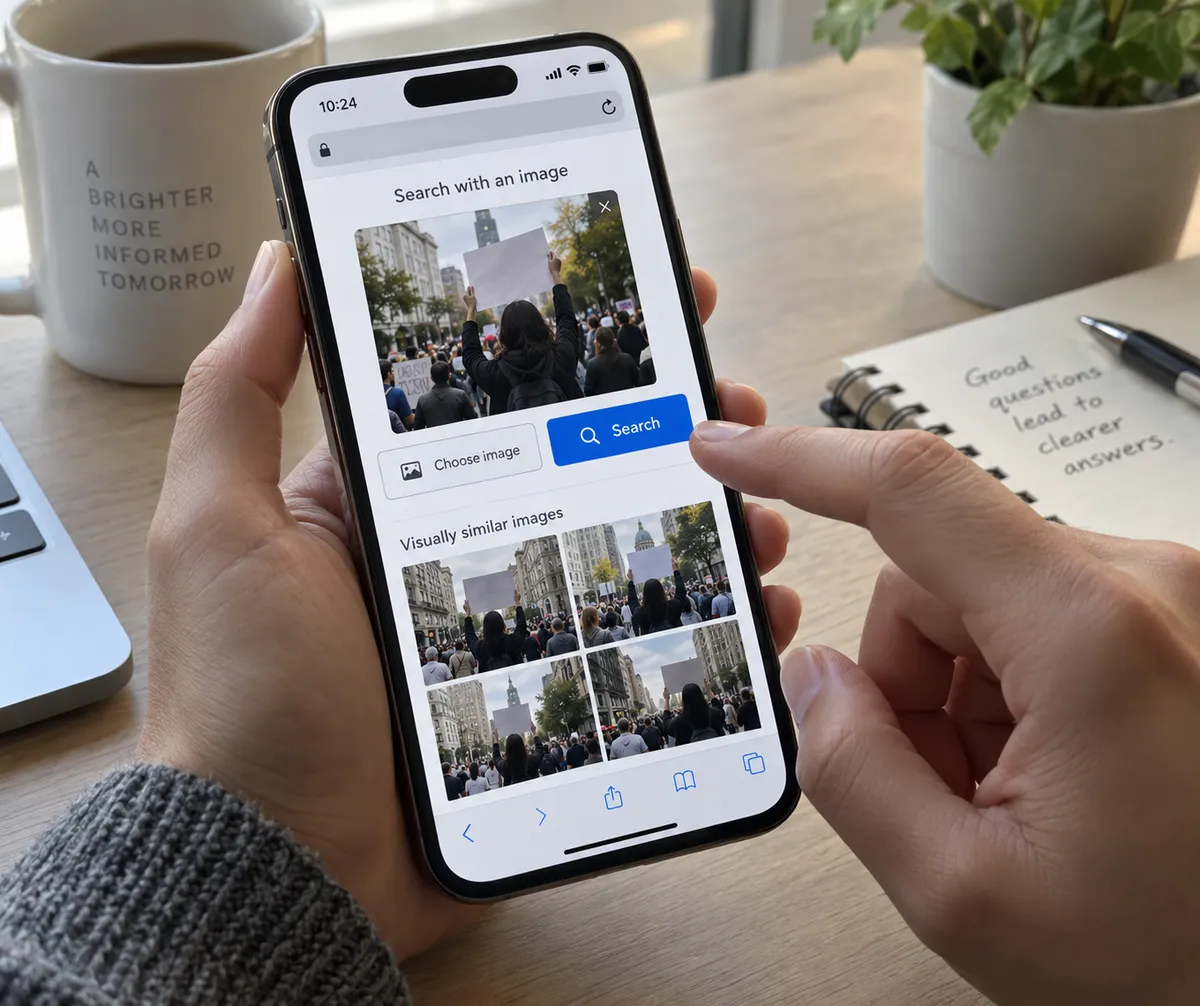
Step 3: Check photos and video with reverse image search
Protest footage is the most commonly recycled content online. A clip from years ago can be passed off as today's events.
On iPhone (iOS 17 or later)
- Open the photo in Safari or Photos.
- Press and hold the image, then tap Look Up or Copy.
- Open Google Lens in the Google app or Chrome, paste or upload it, and review where else the image appears.
On Android (Android 12 or later)
- Open the image in Chrome and long-press it.
- Tap Search image with Google Lens.
- Scroll the results and look for earlier dates or different captions.
For video, take a screenshot of a clear frame and run the same search. If the same scene turns up under a different location or year, don't share it.
Step 4: Check the location and context
Even genuine footage can be mislabeled. Look for clues inside the clip: street signs, language on shopfronts, uniforms, license plates. Then ask whether the caption matches. A real video of one street corner doesn't show a whole country's mood.
Step 5: Compare at least two outlets
Open two or three outlets with different editorial leanings and see which details they share. Facts that appear in all of them, such as time, place and official statements, are the sturdy ones. Details that appear in only one deserve caution. Note too which causes each outlet emphasizes. Whether unrest is mainly economic, ideological or cultural is exactly the kind of question where honest observers differ.
Step 6: Slow down your own sharing
A few habits make a real difference:
- Wait ten minutes. Early details in fast-moving stories are often wrong.
- Read past the headline. Headlines compress, and sometimes distort.
- Notice your reaction. Posts built to make you angry are built to be shared.
- Add context when you share, such as a link to the original, rather than reposting a bare screenshot.
Step 7: Tidy your feed for better information
You can improve what reaches you in the first place.
- Use Mute on accounts that mostly post outrage clips.
- Follow a couple of established news organizations directly and turn on their alerts, instead of relying on whatever the algorithm surfaces.
- In your news app's settings, limit push notifications to a few categories so you aren't reacting to every update.
A quick checklist for any political story
Before you share, ask yourself:
- Can I find the original source?
- Is the date recent?
- Does the image or video match the caption?
- Is this a fact, or someone's opinion?
- Have I seen it confirmed elsewhere?
If you can't answer yes to most of these, hold off.
The one habit worth keeping
Next time a dramatic story hits your feed, press and hold the image, run a reverse search, and open the original report before you tap share. It takes under two minutes, and it keeps you from becoming the person who spread the fake.