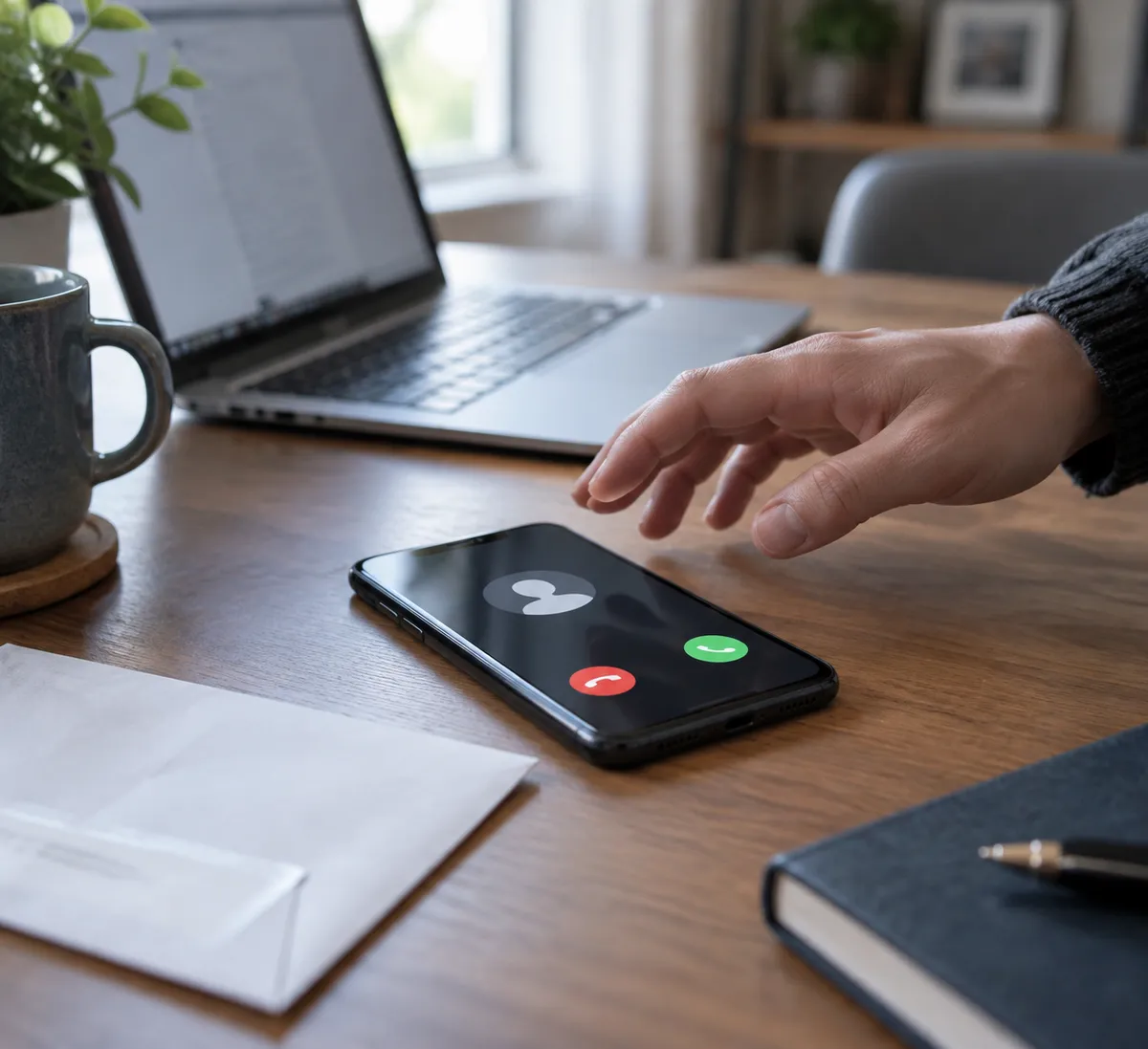
Someone has your name, phone number and home address. That sounds alarming, but you can respond without panic. By the end of this guide you'll know what a scammer can realistically do with those basics, what to watch for, and a short checklist to make yourself a harder target.
This follows a recent Fox News report on the topic. Its main point: these details alone usually aren't enough to steal your identity. The danger is what happens when they're combined with other data, such as information from breaches, and used to make a scam feel believable.
What basic details actually give a scammer
Your name, number and address are rarely the whole prize. They're ingredients. Per the Fox News report, scammers can pair them with data from breaches to attempt phishing, impersonation, mail fraud, SIM swaps and account-takeover attempts.
Think of it as credibility. A message that opens with your real name and mentions your street feels like it came from someone who knows you, or from a company you do business with. That feeling is the real weapon, because it lowers your guard.
What they can try
Phishing and impersonation
With your name and number, a scammer can send a text or make a call that appears personal. They might claim to be your bank, a delivery service or a government office. The goal is to get you to hand over a password, a verification code or a payment.
Mail fraud
A known address can be used to send convincing letters or to target your mail. It also lets a scammer say, "We have your address on file," which sounds official but proves nothing.
SIM swap attempts
A SIM swap is when a scammer tries to get your phone number moved to a SIM card they control, so calls and texts, including login codes, go to them. Your name and number are a starting point. Breached details can help them answer questions a carrier might ask.
Account takeover and identity theft schemes
Combined with breached data, basic details can help someone try to get into your accounts or open new ones. Notice the word "try." Those extra details, not your address alone, are what make this possible.
Why knowing your address doesn't make a caller legitimate
This is the most useful myth to drop. Personal information is widely available through data brokers and breaches, per the report. So a caller reciting your address, or an email using your full name, is not proof of anything.
A simple rule: the more a message pushes you to act fast, the less its personal details should count. Verify by contacting the company yourself, using the phone number on your card, bill or official app, never the one in the message.
Why this matters more now
The report points to rising cybercrime losses and more believable AI impersonation scams. Fake voices and polished messages mean a scam no longer needs to sound clumsy. That makes basic details more useful to scammers than they used to be, because they help a convincing fake feel real.
If you get an urgent call from a "family member" or "official," hang up and call the person or organization back on a number you already trust. A voice that sounds right is no longer proof.
Red flags that your info is being used
- A message or call that uses your real details but pressures you to act immediately
- Requests for verification codes, passwords or payment by unusual methods
- Your phone suddenly loses service for no reason, which can signal a SIM swap attempt
- Unexpected login alerts or password reset emails you didn't request
- Mail or notices about accounts you never opened
None of these proves you've been targeted, but each deserves a pause and a check through an official channel.
Make yourself harder to target
These steps work on any recent iPhone or Android phone and on any computer. Menu names vary slightly by device and software version, so look for the equivalent setting if yours differs.
- Call your mobile carrier and ask about a SIM lock or port-out protection. Many carriers offer a PIN or account passcode that must be given before a number is moved. Set one that isn't your birthday or address.
- Switch important accounts to an authenticator app or passkey instead of text-message codes where the service allows it. This reduces the damage if your number is hijacked.
- Use a password manager and unique passwords. If one breached site leaks your password, the others stay safe.
- Check whether your email appears in known breaches. A reputable breach-checking service will tell you; change passwords for any affected accounts.
- Don't tap links in unexpected texts or emails. Open the app or type the website address yourself.
- Consider opting out of data broker listings. Since broker data feeds these scams, removing yourself where possible shrinks what scammers can find.
- Watch your accounts and mail. Review bank statements and credit activity regularly, and treat unfamiliar notices seriously.
If you think a scammer is using your details
Stay calm and work in order. Contact your carrier first if you suspect a SIM swap. Then change passwords on your email and financial accounts, starting with email, since it can reset everything else. Report the attempt to your bank or the service involved, and keep screenshots of the messages.
The takeaway
Your name, number and address are not a master key. They are a script that makes a lie sound true. Today, pick one step from the list above, ideally calling your carrier to add a SIM lock, and make a habit of verifying every urgent request through a number you found yourself.