Block has put up a page for Dessa, which the Hacker News post describes as a "conversation model trained only on speech." The post collected 301 points and 113 comments. Block also publishes a privacy notice for the dessa.com website. You can use that notice as a practice case: by the end of this guide you'll have a six-step routine for reading any AI product's privacy policy in about five minutes, before you hand over a voice, an email address, or a browsing trail.
One limit up front. I'm working from a summary of Block's notice, not the full legal text, and I haven't tested Dessa. So this guide doesn't tell you whether Dessa is safe. It shows you what to look for, using what the notice reportedly covers.
What Block's Dessa notice reportedly covers
Per Block, the notice for dessa.com outlines:
- What personal, device, and usage data is collected
- How that data is used
- When it may be shared with affiliates, service providers, or legal authorities
That is a fairly standard structure, and it's a useful checklist for any tool. Notice that it describes the website. A site's privacy notice and the privacy terms of a product you actually talk to can be different documents, so always check whether a separate policy exists for the product itself.
Step 1: Find out who is behind the tool
Start with the company name, not the product name. Dessa is presented under Block, whose other brands include Square, Cash App, Afterpay, and TIDAL. That matters because the notice reportedly mentions sharing with affiliates.
To check this yourself:
- Scroll to the footer of the site and look for the company name and a "Privacy" link.
- Open the policy and search the page (Ctrl+F on Windows, Cmd+F on Mac, or "Find on Page" in your phone browser's share menu) for "affiliate."
- Read the sentence around each match.
If a tool sits inside a larger family of companies, ask whether your data could travel within that family. Whether and how that applies to Dessa is something only the full notice can answer.
Step 2: Separate the three kinds of data
Privacy notices usually sort data into groups. The summary of Block's notice names three, and they're worth understanding in plain terms:
Personal data
Things that identify you: name, email, anything you type into a form. You control most of this by choosing what you submit.
Device data
Details about the phone or computer you're using. Think browser type, operating system, and similar technical information. You don't type it in; your device sends it when you visit.
Usage data
What you do on the site: pages viewed, clicks, how long you stayed.
Just visiting a site can generate the second and third kinds without you filling in anything. If you only want to read about an AI tool, that's a reason to browse in a private window and skip creating an account.
Step 3: Check the "how it's used" section
Look for the verbs. "Operate," "secure," and "improve" are routine. Look harder at anything about marketing, personalization, or model training.
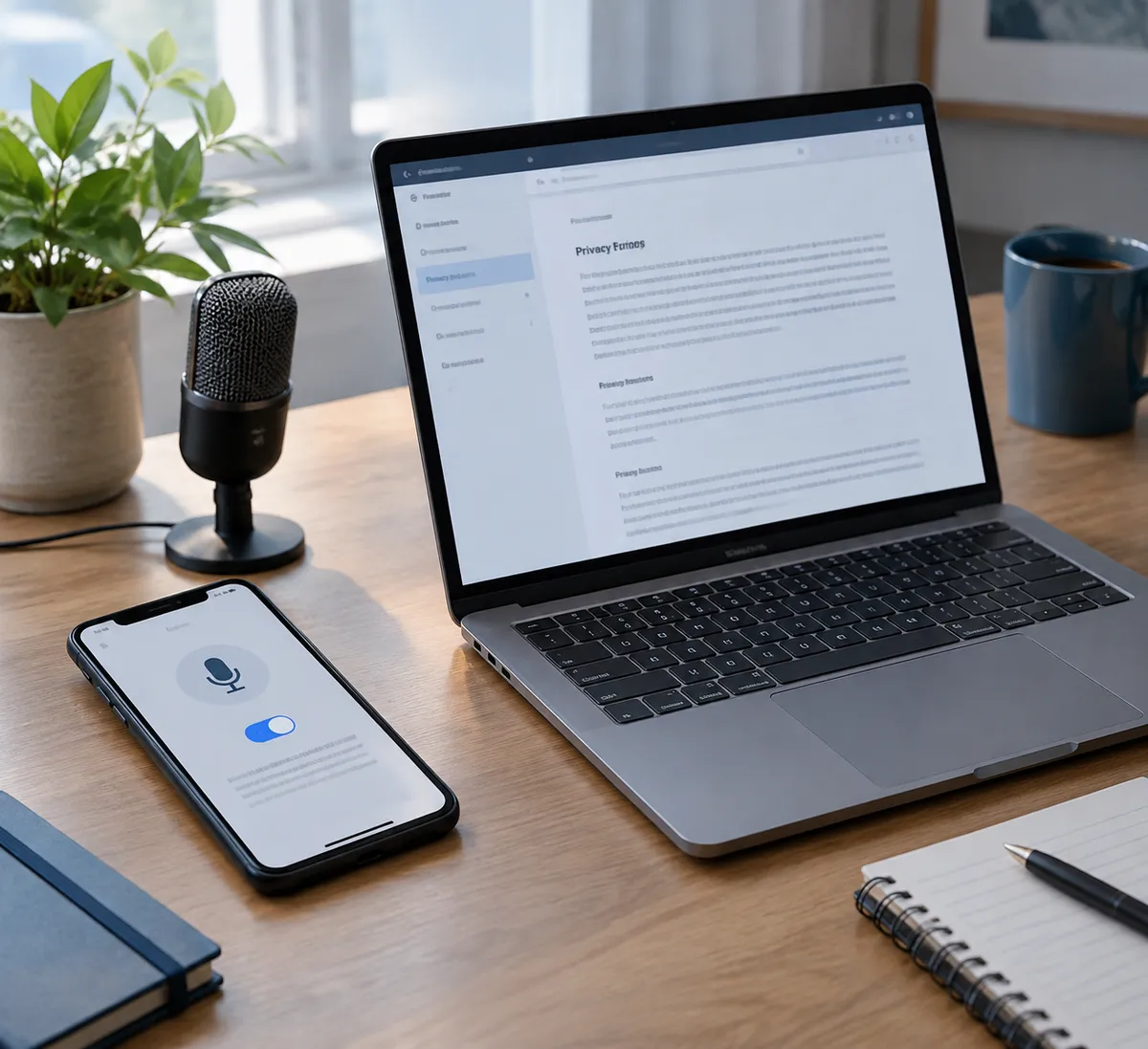
For a speech-based AI, the question that matters most is whether your voice recordings, if the product ever collects them, could be used to train models. The summary of Block's notice covers website data, so it doesn't settle that question. If you reach a point where a tool asks for microphone access, find the policy that covers recordings specifically before you click Allow.
Step 4: Know when your data can be handed over
The notice reportedly describes sharing in three situations:
- Affiliates: related companies
- Service providers: outside companies that do work for the business, such as hosting
- Legal authorities: when required by law
The third is common across the industry, so don't read it as a red flag by itself. What you want to know is how broad the first two are. Phrases like "for any business purpose" are wider than "to provide the service."
Step 5: Look for your controls
A good policy tells you how to act. Search for "access," "delete," "opt out," and "contact." You want a clear way to ask what's held about you and to request removal. If you can't find one, treat that as useful information.
On your own device, you can also limit what a site learns before you ever read its policy:
- iPhone (Safari): Settings > Apps > Safari, then turn on options such as Prevent Cross-Site Tracking. Menu names vary a little by iOS version.
- Android (Chrome): Settings > Privacy and security, then review third-party cookie options.
- Computer: Use a private or incognito window for tools you're only sampling.
Step 6: Test with throwaway inputs first
When you do try a new AI tool, start small:
- Use an email address you don't mind losing.
- Don't speak or type names, addresses, account numbers, or work material.
- Check the microphone permission afterward and switch it off if you're done. On iPhone, it's under Settings > Privacy & Security > Microphone. On Android, it's under Settings > Privacy > Permission manager.
Once you've read the policy and the tool seems reasonable, you can widen what you share.
Why this matters for speech-based AI
AI products learn from how people use them, so privacy notices are one of the few visible signals of how a company treats that interaction. That's my read, not a claim from Block. A conversation model built around speech makes the stakes feel more personal, since a voice is harder to change than a password.
Dessa's actual behavior is something to judge from Block's own documentation and your own testing. The notice summarized here covers the website, and it gives you a good template for the questions to ask.
Your five-minute habit
Before you try the next AI tool, open its privacy notice, search for "affiliate," "share," and "delete," and read only those paragraphs. If you can't tell who gets your data and how to take it back, wait to share anything more than a throwaway email.