When a headline about political unrest lands on your phone, you usually have about ten seconds before you share it, react to it, or forget it. This guide gives you a repeatable routine for those ten seconds and the few minutes after. By the end, you'll be able to tell who is actually saying what, check whether a photo or video is what it claims to be, and keep a calm feed even when the news is loud.
A recent example shows why this matters. Fox News reported that Louis Sarkozy, son of former French President Nicolas Sarkozy, warned that violent protests in France could intensify. According to that report, he tied the unrest to far-left political influence, immigration tensions, and economic strain. That is one person's argument, reported by one outlet. It is not a settled account of why anything is happening. Learning to see that difference is the core skill below.
The steps work on any recent iPhone or Android phone and in any current browser (Safari, Chrome, Firefox, Edge). Menu names can shift slightly between versions, so check your settings if a label looks different.
Step 1: Separate the claim from the claimer
Before anything else, ask two questions: who is speaking, and who is reporting it?
In the example above, the speaker is Louis Sarkozy. The reporter is Fox News. His view is a commentary and a warning, not a measurement. A good habit is to rewrite the headline in your head as "[Person] says [claim], according to [outlet]." If the sentence still sounds solid, fine. If it falls apart, you've learned something.
Watch for these tells that an opinion is being presented as fact:
- Words like "will" or "is causing" where the source only says "could" or "argues"
- A single named person explaining a complex event with one cause
- No mention of who disagrees
Step 2: Open the original, not the screenshot
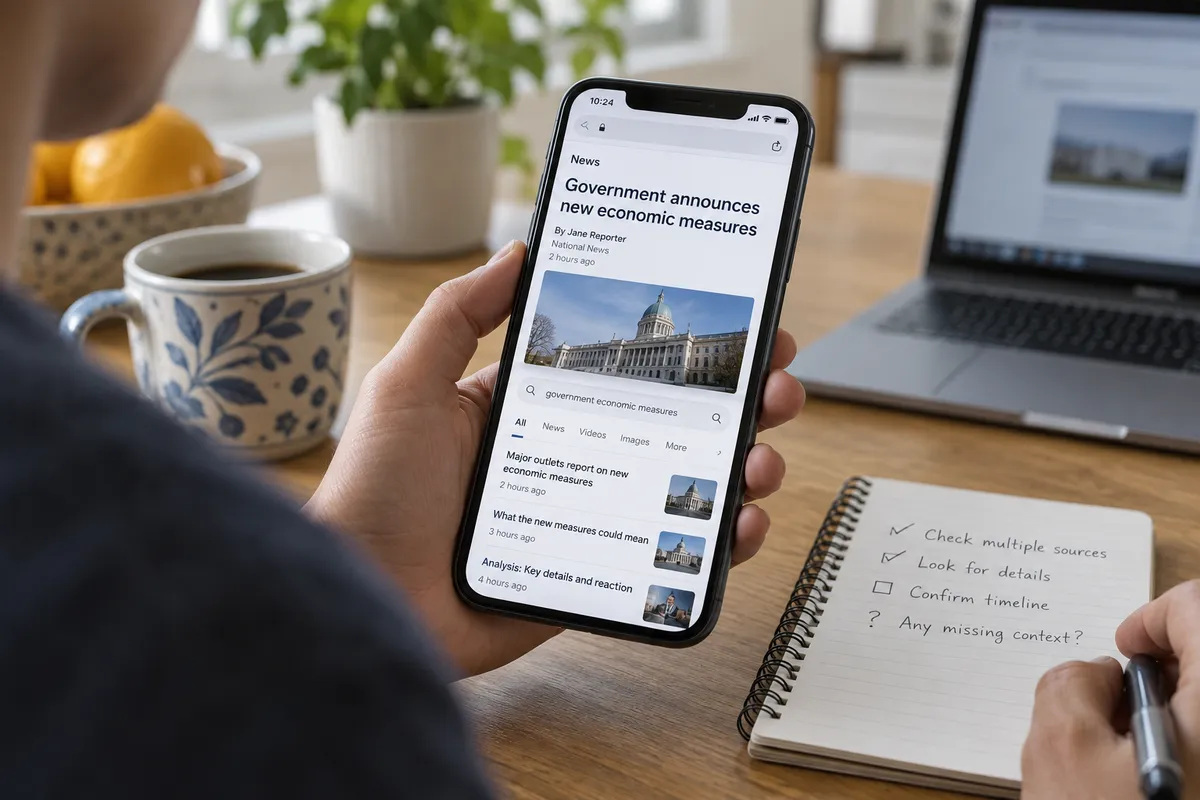
Screenshots of headlines and social posts strip out the date, the author, and the rest of the story. Tap through to the full article. Then check three things:
- The date. Old stories get recirculated during tense moments.
- The byline and outlet. Is it a reporter, a wire service, or an opinion column?
- The quotes. Are they attributed, and does the article show where they came from?
If you can't find an original, treat the post as unverified.
Step 3: Compare at least two outlets
Search the key names and one distinctive detail, such as "Louis Sarkozy protests France." Open results from two or three different outlets, ideally from different countries or political leanings. You are looking for:
- Agreement on basics: who, what, where, when
- Disagreement on causes and blame: that's where interpretation lives
If only one outlet carries a story, that doesn't make it false, but hold it more loosely.
Step 4: Check photos and videos
Violent-protest footage spreads fast and is often mislabeled. Here's the quick check:
On a phone
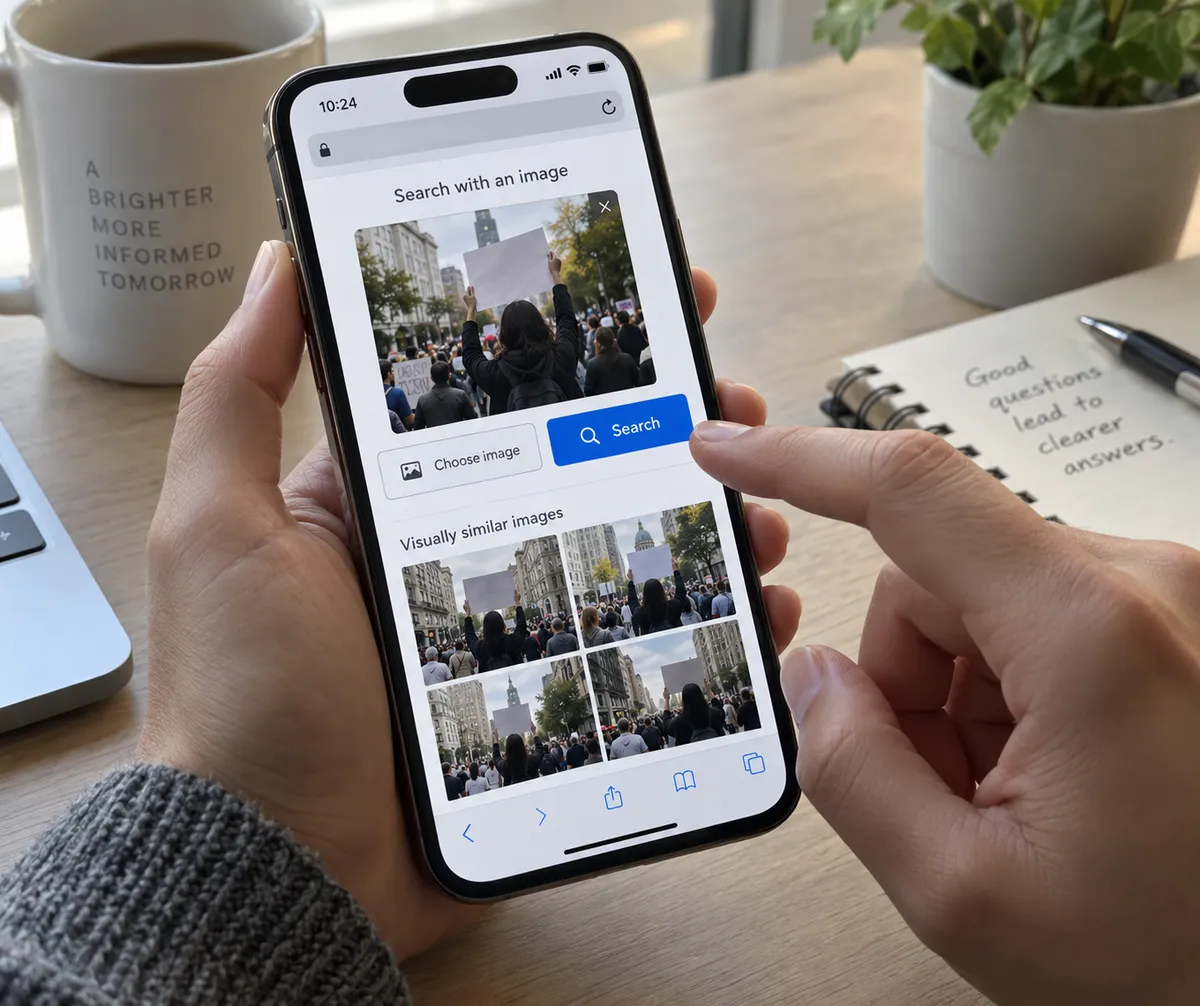
- Google Lens (Android, and the Google app on iPhone): open the app, tap the camera icon, and upload a screenshot of the image. Look for earlier appearances.
- iPhone Visual Look Up: open the photo in Photos and tap the info button. It helps with some objects and places but is not a full reverse image search.
In a desktop browser
- In Chrome, right-click an image and choose "Search image with Google."
- Try TinEye (tineye.com), a free reverse image search that often surfaces older copies.
If the same image shows up years earlier or in another country, it's not what the post says it is. For video, take a screenshot of a distinctive frame and search that.
Step 5: Look for the source's stake
Everyone commenting on politics has a perspective. A family name in politics, a party affiliation, or an outlet's editorial slant doesn't make a statement wrong, but it tells you what to cross-check. When you read a commentator's warning, ask what evidence would confirm or undercut it, such as official statistics, police statements, or on-the-ground reporting from several outlets.
Step 6: Slow your sharing
Most misinformation travels because it feels urgent. Add a small delay:
- Wait five minutes before sharing anything that makes you angry
- Add context when you share: "This is one person's view, reported by X"
- Skip the share if you haven't opened the article
Step 7: Tune your feed so it stays usable
You can reduce the noise without going offline.
- iPhone: Settings > Focus lets you create a mode that silences news apps during work or sleep. Settings > Notifications > [News app] lets you turn off breaking alerts.
- Android: Settings > Notifications > App notifications lets you turn off individual apps. Digital Wellbeing (on most devices) has Focus mode.
- Social apps: Use "Not interested" or "Mute" on accounts that post only outrage.
- Pick a schedule: One or two set times a day to catch up beats constant checking.
Step 8: Protect yourself from news-themed scams
Big, emotional events attract phishing. Be careful with:
- Texts or emails claiming "urgent footage" or "leaked video"
- Donation links that arrive unprompted
- Login pages that appear after you tap a news link
If a link asks for a password to read a story, close it. Go to the outlet's site directly by typing the address or using its app.
A quick routine you can memorize
When a political headline grabs you, run this in order:
- Who said it, and who reported it?
- Open the original and check the date.
- Find a second outlet.
- Reverse-search any image or video.
- Wait before sharing.
The Sarkozy story is a good practice run. Read the Fox News report, then find two other outlets covering unrest in France, and note what each one agrees on and where each starts interpreting. Do that once and the habit sticks.